Design systems
A design system your developers open every day, not a pretty file nobody trusts. Tokens, components and rules in Figma, synced with your code.
What you get
Tokens synced with code
Colors, type, spacing and radii live in Tokens Studio and export to GitHub, so design and code read from one source.
Documentation inside Figma
Every color, name and typeface shown and explained right in the file, where designers and developers already work.
Components with every state
Default, hover, keyboard focus, selected, error, loading skeleton, empty. Nothing left for a developer to guess.
Rules that protect the layout
Long text truncates, content wraps where it should, and nothing breaks when real data replaces the demo copy.
Built to be used
A design system fails when developers stop trusting it. So we connect it to the code from day one: tokens in Tokens Studio, exported to GitHub, the same names in Figma and in the codebase.
Next to the components sits a visual guide inside Figma: what every color is for, how every style is named, which typeface goes where. A new person on the team understands the system in an hour, without a meeting.
Every state, every edge case
Each component carries all of its states: hover, focus when moving with the keyboard, selected, error, a skeleton while data loads. Truncation and wrapping rules are set in the system, so a long name or a big number never breaks the layout. That is what turns a style guide into something developers can build on.
In practice
Spillsjakk, the chess tournament platform of the Norwegian Chess Federation, runs on a system of more than 150 screens with light and dark themes. The Aimgod web app and iPhone app share one token set, so a change of color or type reaches both.
Related work
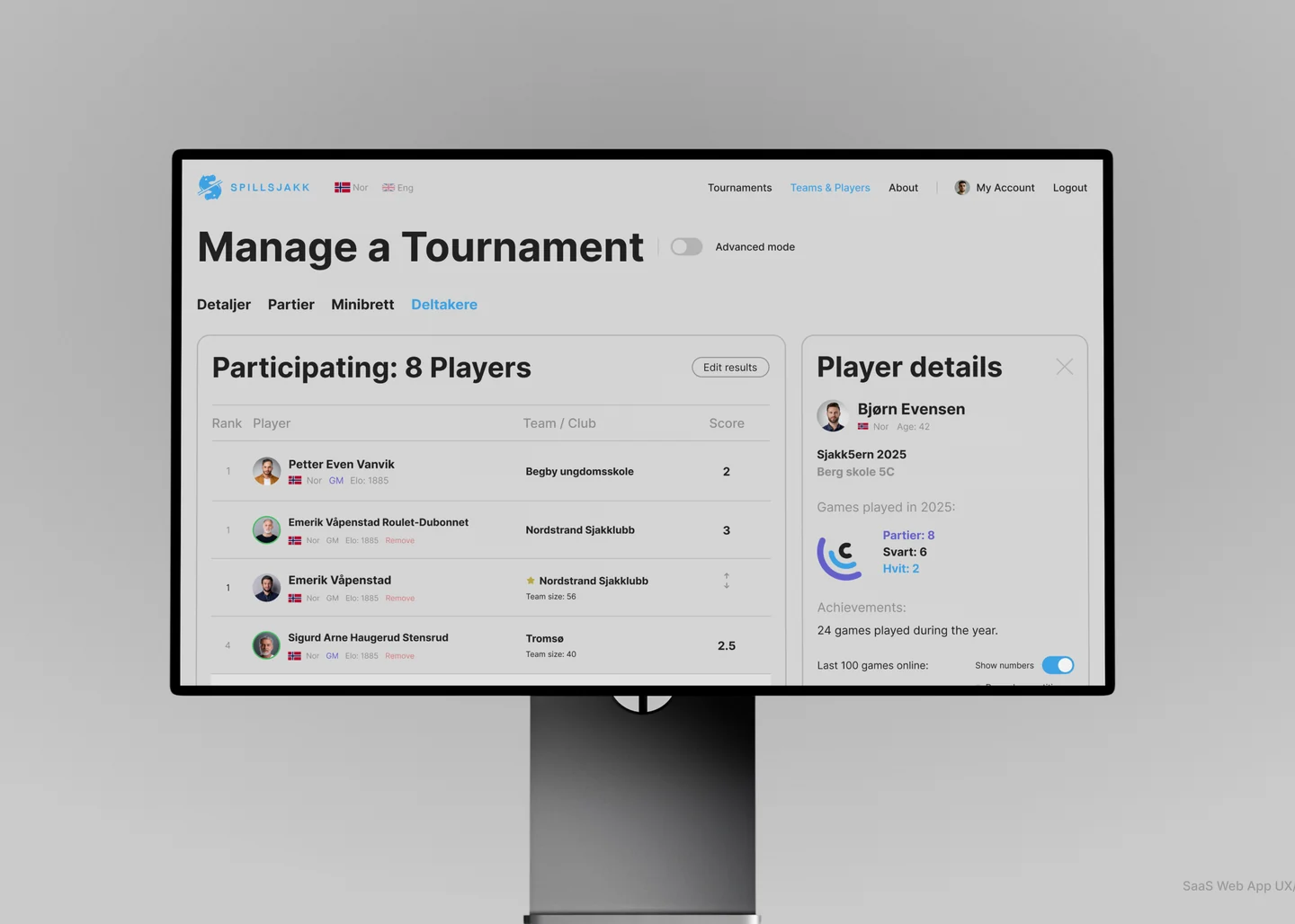
Spillsjakk
Chess learning platform for the Norwegian Chess Federation. Product design and a design system across 150+ screens.
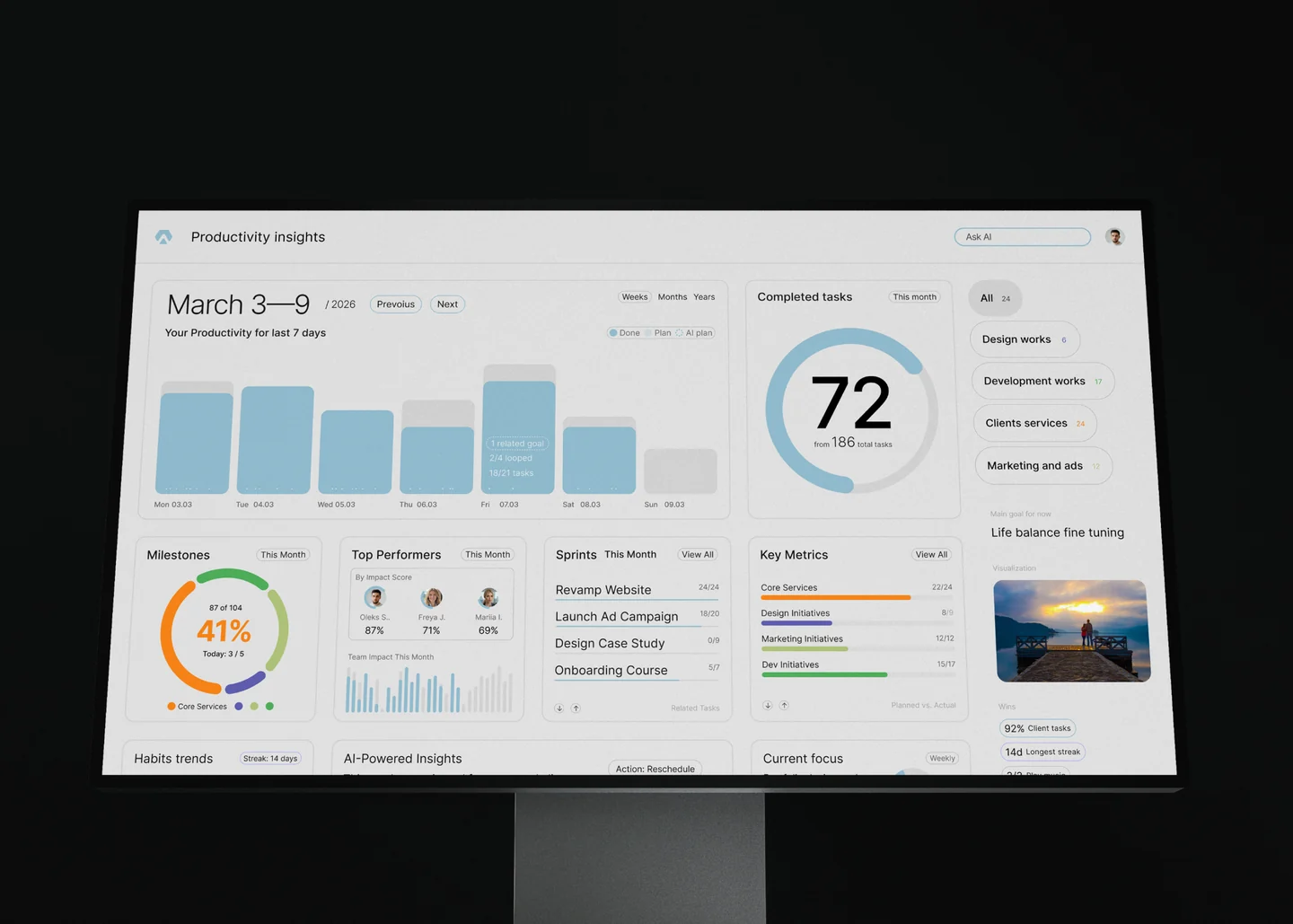
Aimgod
Personal growth system. Product design, full stack web app and a native iPhone app in SwiftUI. Web app and iPhone app live.
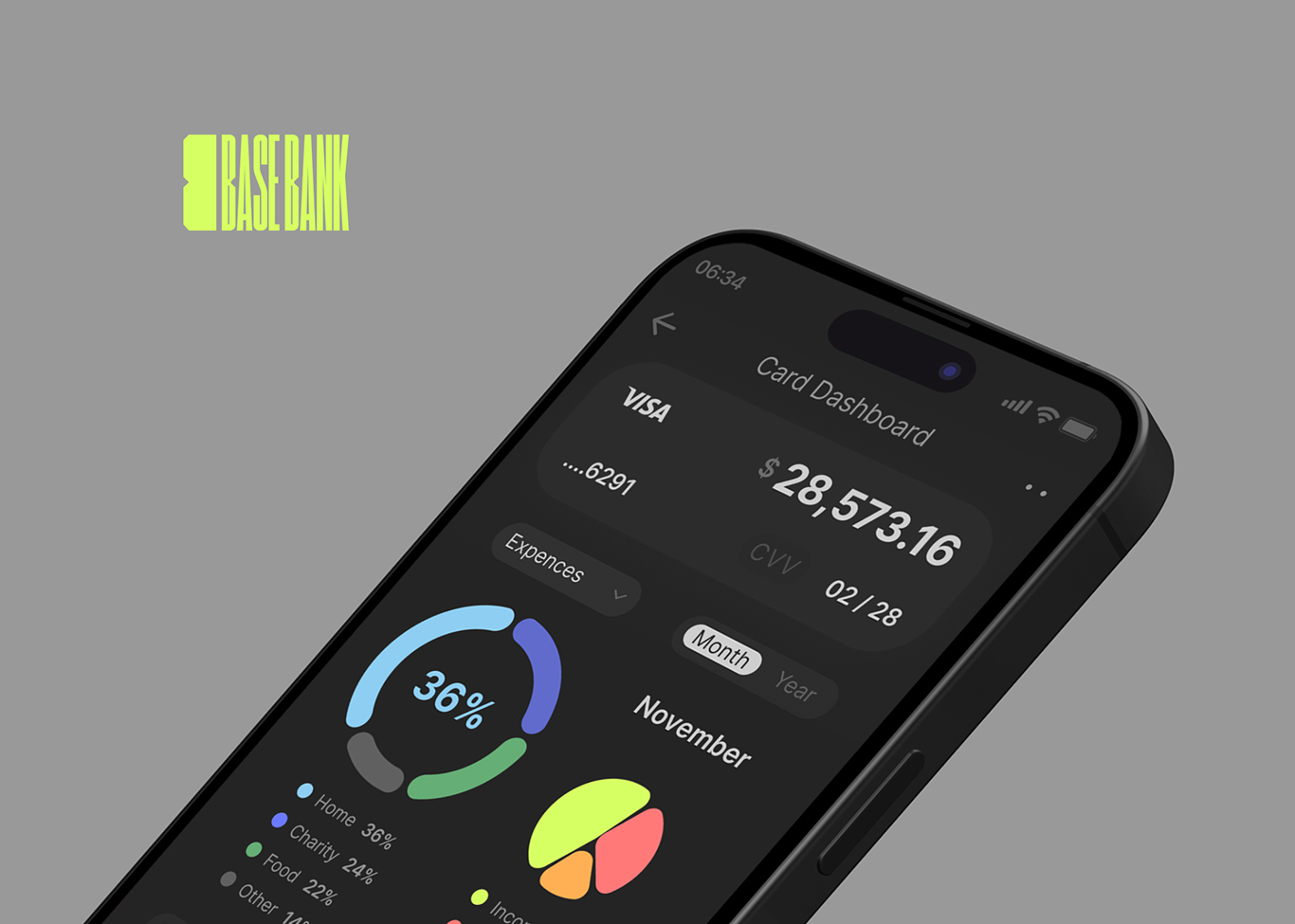
Basebank
Mobile banking app concept. Branding, interface, design system and motion.
Why Creayou
A boutique studio for SaaS design and development. A few people, decades in the craft and a real love for the work.
Design first
Design is where we started, 22 years ago. Every project leaves with a custom design that looks expensive and stays in memory, with motion and micro interactions crafted by hand.
Never the same twice
Many studios reuse one proven layout for every client. Each of our projects gets its own structure, navigation and visual language, built around who buys and why.
Meaning over feature lists
Pages and integrations are easy to produce today. What makes a product sell is a clear picture of the buyer, information in the right order and taste in every detail.
One lead from brief to launch
The founder who designs your product also writes the brief, talks with you and leads the build. Nothing gets lost between sales, design and development.
A little more than asked
Along the way we suggest what else could work for your business, so you leave with a sharper view of what to do next.
How we work
Discover
Long conversations with you, your current site, your competitors. We write down the goals and today's numbers, conversion included, so there is a baseline to beat.
Moodboard
A hand picked board of the best sites in the world that fit your audience, style and colors. We agree on the direction before any screen is drawn.
Concept
Two or three directions for the key page, usually the home page or the dashboard. You choose one, and it sets the language for everything else.
Design
Every page and every state, desktop and mobile, built on one system so new pages come together fast.
Build
Webflow for marketing sites, Next.js or React for products, native iOS when the product lives on the phone. AI assisted with Claude Code, motion and speed treated as part of the design.
Test
Automated tests plus hands on checks on real phones, laptops and desktops, until it feels right everywhere.
Launch
You approve, we hand over every account, file and right, with written and video guides for your team.
Grow
Search Console, analytics, SEO, ads if needed, a monthly report with the numbers, blog posts from your material. Monthly, yearly or on request.
Questions
Do you work with an existing product?
Yes. We audit what is there, collect the repeated patterns into components and replace the one off styles step by step, without stopping your releases.
Which tools do you use?
Figma with variables and Tokens Studio, exported to GitHub. Developers pick the tokens up in CSS, Tailwind or SwiftUI.
Do you document the system?
Yes, inside Figma: colors, names, type, spacing and every component with its states. No separate site to keep in sync.
Will it work for dark mode?
Yes. Light and dark themes are part of the token structure from the start, not a later patch.
How do you use AI?
Design is handcrafted: ideas, flows, interface and every detail are decided by people. AI does the repetitive engineering. We build with Claude Code, use it to systematize design tokens, write tests and check builds against platform guidelines, so projects ship faster and the time saved goes into polish.